Solutions For Labs

Faster Answers. Improved Workflow.

The BioFire® FilmArray® System is scalable and easy to use, enabling it to easily integrate into clinical laboratories. Streamline lab workflow and maximize productivity with multiplex PCR testing with infectious disease diagnostics from the BioFire System.

Syndromic Testing with the BioFire System

The BioFire System combines speed, ease of use, and a growing portfolio of comprehensive panels into one sample-to-answer system. BioFire offers a syndromic infectious disease testing approach that targets a broad menu of possible pathogens in one rapid test. Because of its ease of use, the BioFire System can be used around the clock, removing the need to delay or send out certain tests. Additionally, BioFire’s molecular diagnostics may enable long-term cost savings compared with traditional testing solutions.

Easy

The BioFire System takes just two minutes of hands-on lab technician time without precise measuring or pipetting. The sample is automatically analyzed and results are reported in an easy-to-read format.

Fast

The BioFire® FilmArray® Panels have a run-time of about one hour, allowing labs to provide answers to physicians in a clinically relevant time frame.

Comprehensive

Syndromic molecular diagnostics can help labs to streamline their workflow by reducing serial or send-out testing. The comprehensive BioFire Panels can also help detect co-infections as well as uncommon pathogens.

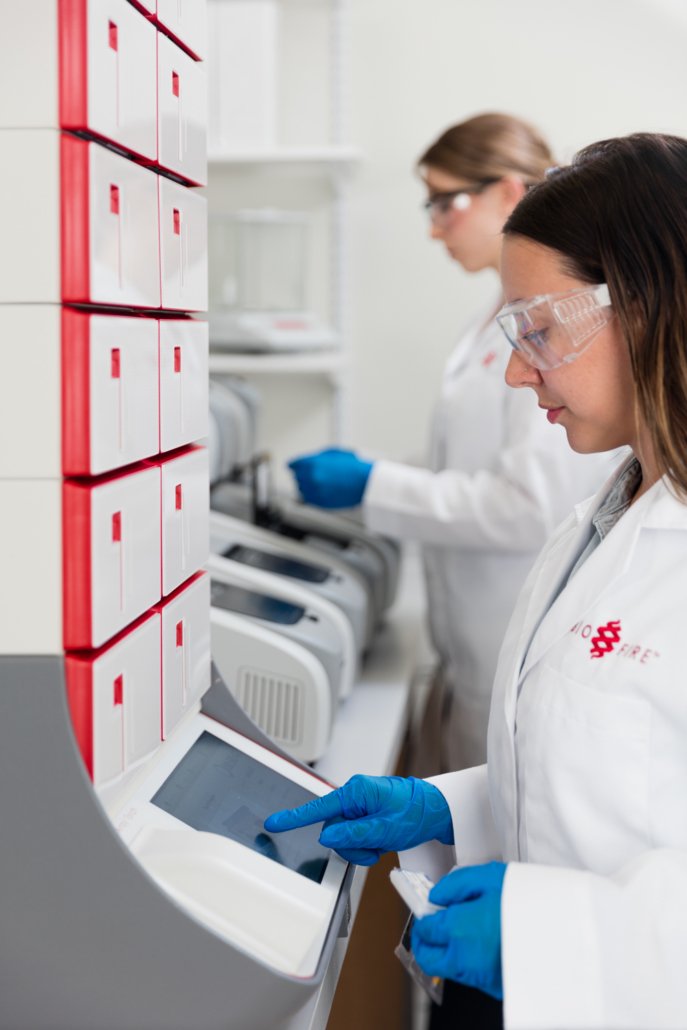
Woman using the BioFire® System.

The BioFire FilmArray System – How It Works

Each BioFire Panel pouch stores all the necessary reagents for sample preparation, reverse transcription-PCR, PCR, and detection in a freeze-dried format. During a run, the BioFire System extracts and purifies all nucleic acids from the unprocessed sample. Then it performs a nested multiplex PCR. During the first stage, the system performs a single, large-volume, multiplexed reaction. Finally, individual single-plex, second-stage PCR reactions detect the products from the first-stage PCR.

Using endpoint melting curve data, the BioFire System software automatically analyzes the result for each target. When the run is complete, the software reports whether or not each pathogen is detected in the sample.

BioFire System test run steps:

  1. SETUP Inject hydration solution and an unprocessed sample.
  2. TEST Insert the pouch into the BioFire System unit and start the run.
  3. GET RESULT The software reports whether or not each pathogen is detected in the sample.

“Rather than relying on cultures that take a day or two, we’re now able—in [about] an hour—to report many of the pathogens that affect the children that come to our hospital. So it’s been a game changer in many respects.”

– Dave Myers MT SM (ASCP) MBA, Laboratory Manager in Akron, Ohio

The BioFire Panels

Each BioFire Panel offers the ability to identify a broad grouping of possible pathogens in one, rapid test. This syndromic approach gives labs a higher probability of identifying possible pathogens with the right test, the first time. Each BioFire Panel targets the pathogens most common to a particular infectious disease syndrome. This may include bacteria, viruses, parasites, or yeast. Some of the BioFire Panels also identify relevant antimicrobial resistance genes. Click on the icons below to learn more.

BioFire® respiratory panel logo reversed.
BioFire® blood culture panel logo reversed.

BioFire® Syndromic Trends

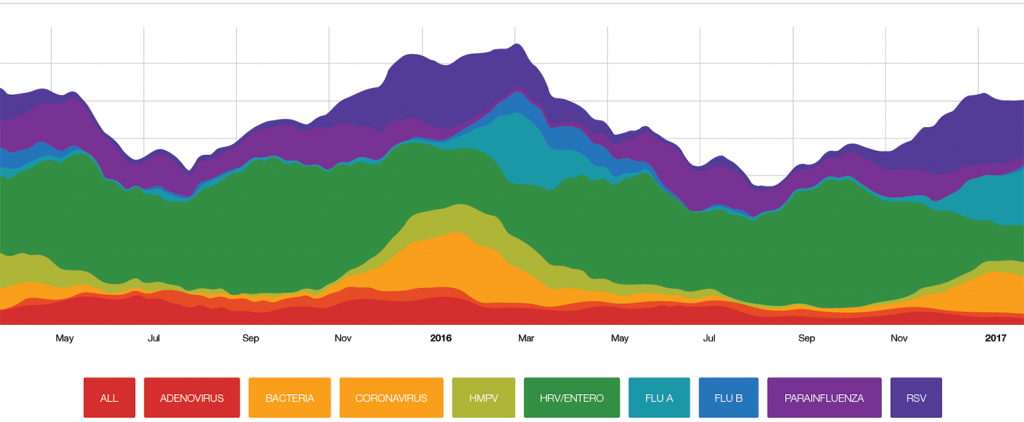
BioFire Syndromic Trends (Trend) is a BioFire® FilmArray® Software feature that aggregates BioFire test data from labs around the world that have signed on to be a part of the BioFire Trend network. By aggregating test data from across the country and around the globe, BioFire Trend is capable of delivering near-real time data on pathogen percent positive detections.

Request a BioFire FilmArray System Demo

Are you ready to order the BioFire FilmArray System or want to request a free demo? Click below to take the next step towards faster results. Our team is ready to answer all of your questions.

Product availability varies by country. Consult your bioMérieux representative.